Author: admin

MalwareBytesSecurity

Myspace vs. Facebook: the good old days?

Credit to Author: Christopher Boyd| Date: Mon, 16 Apr 2018 16:13:59 +0000

There’s a debate happening at the moment: Myspace vs. Facebook. Was it safer? Easier to use? More welcoming of sparkly gifs? We take a walk down memory lane and remind you that privacy and safety concerns plagued ye old social networks of yore.

Categories:

Tags:

(Read more…)

The post Myspace vs. Facebook: the good old days? appeared first on Malwarebytes Labs.

Read More
MalwareBytesSecurity

Week in security (April 09 – April 15)

Credit to Author: Malwarebytes Labs| Date: Mon, 16 Apr 2018 15:05:00 +0000

A roundup of the security news from April 09 – April 16, including fake updates, safe messaging, and Facebook spammers. And our quarterly CTNT report is out.

Categories:

Tags:

(Read more…)

The post Week in security (April 09 – April 15) appeared first on Malwarebytes Labs.

Read More
ComputerWorldIndependent

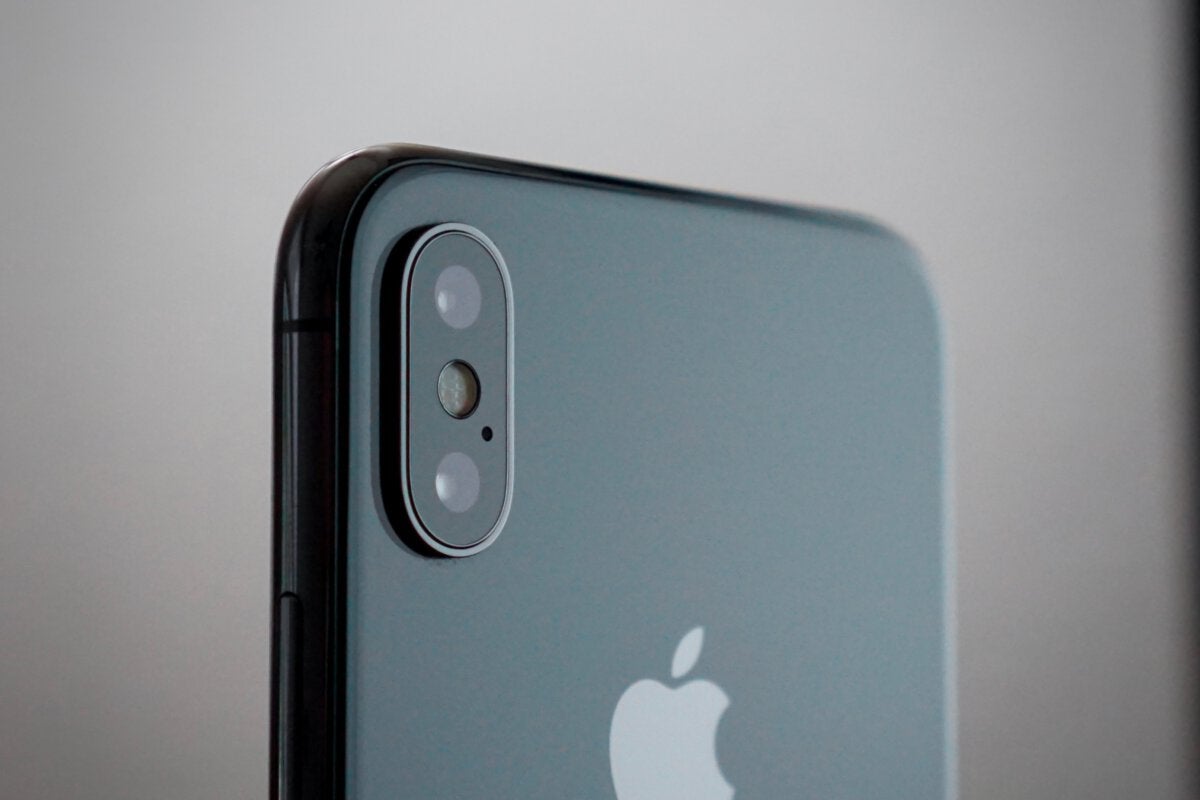
12+ things you can do with a locked iPhone

Credit to Author: Jonny Evans| Date: Mon, 16 Apr 2018 07:06:00 -0700

With so much focus on staying productive, it may surprise you to realise just how many things you can do with a locked iPhone. What can you do and how can you switch these features off?

Wake it up

The Raise to Wake feature available since iPhone 6S/SE means your iPhone can tell when you pick it up and will wake the display up automatically, so you need not do so. Left on by default, you can disable this feature in Settings>Display & Brightness where you toggle Raise to Wake to off.

Make a call, send a message and more

You can call people from a locked iPhone. Just ask Siri to call a person in your contact book. You can also send Messages using the locked device, just ask Siri to send a Message and name someone in the device’s Contacts book. To stop this, set Allow Siri When Lockedto off in Settings>Siri & Search.

To read this article in full, please click here

Read More
ComputerWorldIndependent

Well, DID she ever change her password?

Credit to Author: Sharky| Date: Mon, 16 Apr 2018 03:00:00 -0700

Flashback to the days when this pilot fish is managing an email system for several corporate clients, and he needs to pick good passwords from the get-go — because these users will never bother changing them.

“I wrote a program to generate accounts and to create a password,” says fish. “The system consisted of a dictionary of about 100 three-letter words, and a separate dictionary of four-letter words where I had tried to remove the bad words. Then there was a list of special symbols, and then the digits 0 through 9.

“The system chose one element from each list, and put them in a random order. It then printed the information out. I folded the piece of paper and placed it in an envelope and mailed it — never actually looking at it.

To read this article in full, please click here

Read More