ComputerWorld

ComputerWorldIndependent

Microsoft's anti-malware sniffing service powers Edge to top spot in browser blocking tests

Credit to Author: Gregg Keizer| Date: Sat, 14 Oct 2017 12:58:00 -0700

Microsoft’s Edge browser, the default in Windows 10, blocked a higher percentage of phishing and socially-engineered malware (SEM) attacks than Google’s Chrome and Mozilla’s Firefox, a Texas security testing firm said Friday.

According to NSS Labs of Austin, Tex., Edge automatically blocked 92% of all in-browser credential phishing attempts and stymied 100% of all SEM attacks. The latter encompassed a wide range of attacks, but their common characteristic was that they tried to trick users into downloading malicious code. The tactics that SEM attackers deploy include links from social media, such as Facebook and Twitter, and bogus in-browser notifications of computer infections or other problems.

To read this article in full or to leave a comment, please click here
Read More
ComputerWorldIndependent

Early reports of myriad Microsoft Patch Tuesday problems

Credit to Author: Woody Leonhard| Date: Wed, 11 Oct 2017 04:28:00 -0700

This month’s massive bundle of Patch Tuesday patches almost certainly contains more than a few surprises, and they’re only starting to surface. Here’s a rundown of what I’ve seen in the wee hours of Wednesday morning.

There are lots of reports of delayed, failed and rolled back installations of KB 4041676, the Win10 Creators Update (version 1703) monthly cumulative update, which brings 1703 up to build 15063.674. A quick glance at the KB article confirms that there are dozens and dozens of fixes in this cumulative update — a remarkable state of affairs, considering the Fall Creators Update, version 1709, is due on Oct. 17.

To read this article in full or to leave a comment, please click here
Read More
ComputerWorldIndependent

Another banner Patch Tuesday, with a Word zero-day and several bugs

Credit to Author: Woody Leonhard| Date: Tue, 10 Oct 2017 13:28:00 -0700

It’s going to be a banner patching month. I count 151 separate security patches and 48 Knowledge Base articles, as well as the odd Security Advisory.

The Windows patch Release Notes point to four known bugs:

The cumulative update for Win10 Creators Update, version 1703 — which sports dozens of fixes — has a couple of problems: Systems with support enabled for USB Type-C Connector System Software Interface (UCSI) may experience a blue screen or stop responding with a black screen when a system shutdown is initiated, and it may change Czech and Arabic languages to English for Microsoft Edge and other applications.

To read this article in full or to leave a comment, please click here
Read More
ComputerWorldIndependent

In iOS 11, toggling Wi-Fi and Bluetooth 'off' doesn’t work. Here’s why.

Credit to Author: Lucas Mearian| Date: Tue, 10 Oct 2017 12:54:00 -0700

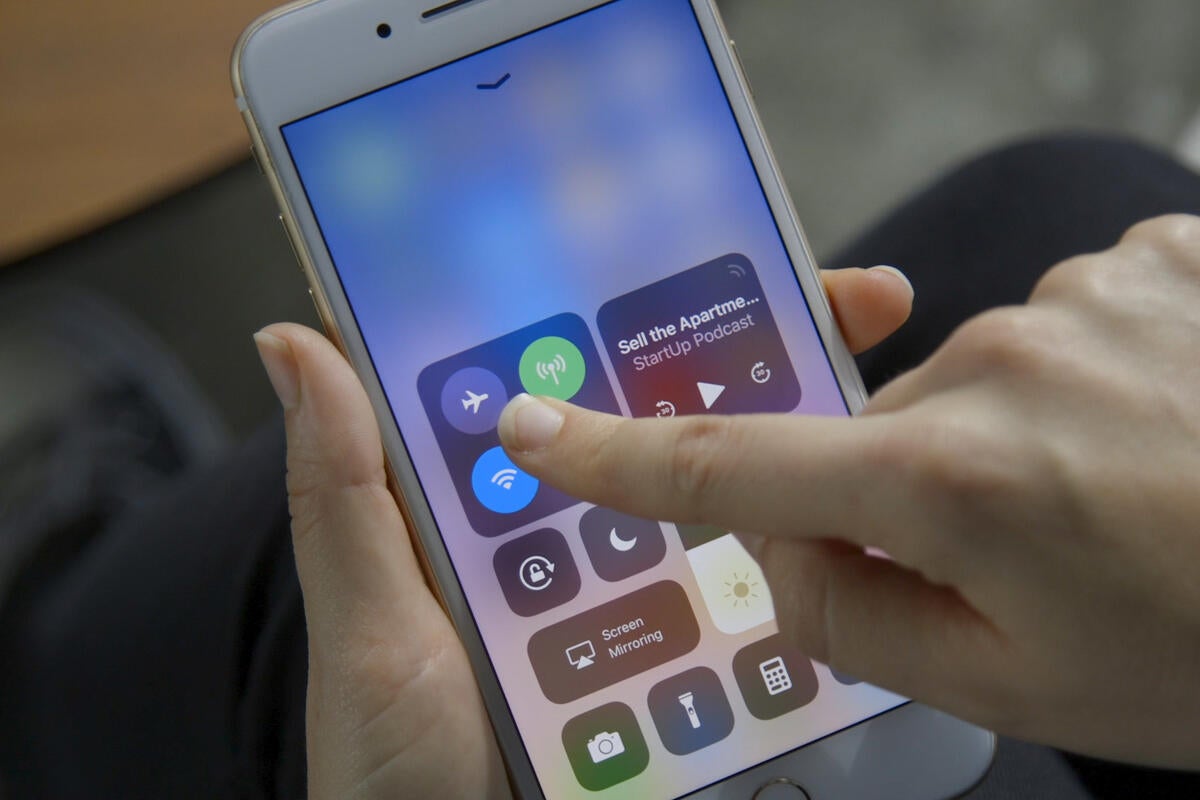
Apple users have unwittingly discovered a new feature after installing iOS 11 on their mobile devices: when you toggle your Wi-Fi and Bluetooth quick settings to “off” those services remain on for Apple services.

For example, Location Services is still enabled, and Handoff and Instant Hotspot stay on, even when iPhones and iPads are put in “Airplane Mode.”

The change in iOS 11 has come under criticism because it could expose users to security risks.

Because iOS 10 allowed users to perform a quick swipe in the Control Center to toggle Wi-Fi and Bluetooth fully off, users reasonably believe they had the same capability in iOS 11.

To read this article in full or to leave a comment, please click here

Read More
ComputerWorldIndependent

Microsoft sunsets Windows 10's first feature upgrade

Credit to Author: Gregg Keizer| Date: Tue, 10 Oct 2017 10:34:00 -0700

Microsoft today will deliver the final security update for Windows 10’s first feature upgrade, the version released in November 2015.

Windows 10 1511 — Microsoft labels its feature upgrades in a yymm format — will receive its last security patches, then fall off Microsoft’s support list. The company had announced 1511’s retirement several times in the past, notably in a support lifecycle fact sheet on Microsoft’s website.

Today is also October’s “Patch Tuesday,” the month’s release of security updates for Microsoft’s products. The company has tied the end of support for Windows 10’s feature upgrades to Patch Tuesdays. The next in line after 1511, last year’s 1607 — aka “Anniversary Update” — has been tentatively scheduled to drop out of support in March 2018. If true, Microsoft will undoubtedly call it quits on March 13, 2018, another Patch Tuesday.

To read this article in full or to leave a comment, please click here
Read More
ComputerWorldIndependent

Duck! Windows and Office patches are coming

Credit to Author: Woody Leonhard| Date: Tue, 10 Oct 2017 04:30:00 -0700

If you’re running Windows, do yourself a favor and put Automatic Update on a temporary hold. Then wait and see if anything comes bursting apart at the seams.

Last month, there was good reason to install specific patches shortly after they were released — at least if you couldn’t train yourself to avoid the “Enable Editing” button in Word. But by and large, if you could avoid that button, there were myriad reasons why waiting a bit before installing the September patches paid off.

To read this article in full or to leave a comment, please click here

Read More
ComputerWorldIndependent

Easy way to bypass passcode lock screens on iPhones, iPads running iOS 11

Credit to Author: Darlene Storm| Date: Fri, 06 Oct 2017 11:32:00 -0700

Update for iOS 11

With iOS 11, you can still bypass the iPhone lock screen and trick Siri into getting into a person’s phone. The bypass is the same as it was in the earlier version of the operating system:

  • Press the home button using a finger not associated with your fingerprint authentication, prompting Siri to wake up.
  • Say to Siri: Cellular data.

Siri then opens the cellular data settings where you can turn off cellular data.

As was the case before, anyone can do this. It doesn’t have to be the person who “trained” Siri.

By also turning off Wi-Fi, you cut off her connectivity access. You will get an error saying, “Siri not available. You are not connected to the internet.” But you don’t care about that error because you have already bypassed the iPhone lock screen.

To read this article in full or to leave a comment, please click here

Read More
ComputerWorldIndependent

iOS 11: 3 ways to really switch off Wi-Fi and Bluetooth

Credit to Author: Jonny Evans| Date: Fri, 06 Oct 2017 06:44:00 -0700

Many iPhone and iPad users are annoyed at Apple’s decision to change the way Control Center’s Wi-Fi and Bluetooth controls work, as they no longer work. Fortunately, you can still switch connectivity off quite easily.

What is the problem?

Apple in iOS 11 decided that when you tap the Wi-Fi or Bluetooth buttons in Control Center, the system now will disconnect you from any devices or networks you are currently on but no longer truly switches Wi-Fi or Bluetooth off.

This means that even though you thought you switched them off, they remain active for things like  AirDrop, AirPlay, Continuity, Hotspot, Location services and devices such as the Apple Watch and Pencil.

To read this article in full or to leave a comment, please click here

Read More