There has been some concern that Windows 10 gathers too much private information from users. Whether you think Microsoft’s operating system crosses the privacy line or just want to make sure you safeguard as much of your personal life as possible, we’re here to help. Here’s how to protect your privacy in just a few minutes.
Note: This story has been updated for Windows 10 version 22H2. If you have an earlier release of Windows 10, some things may be different.
Turn off ad tracking
At the top of many people’s privacy concerns is what data is being gathered about them as they browse the web. That information creates a profile of a person’s interests that is used by a variety of companies to target ads.
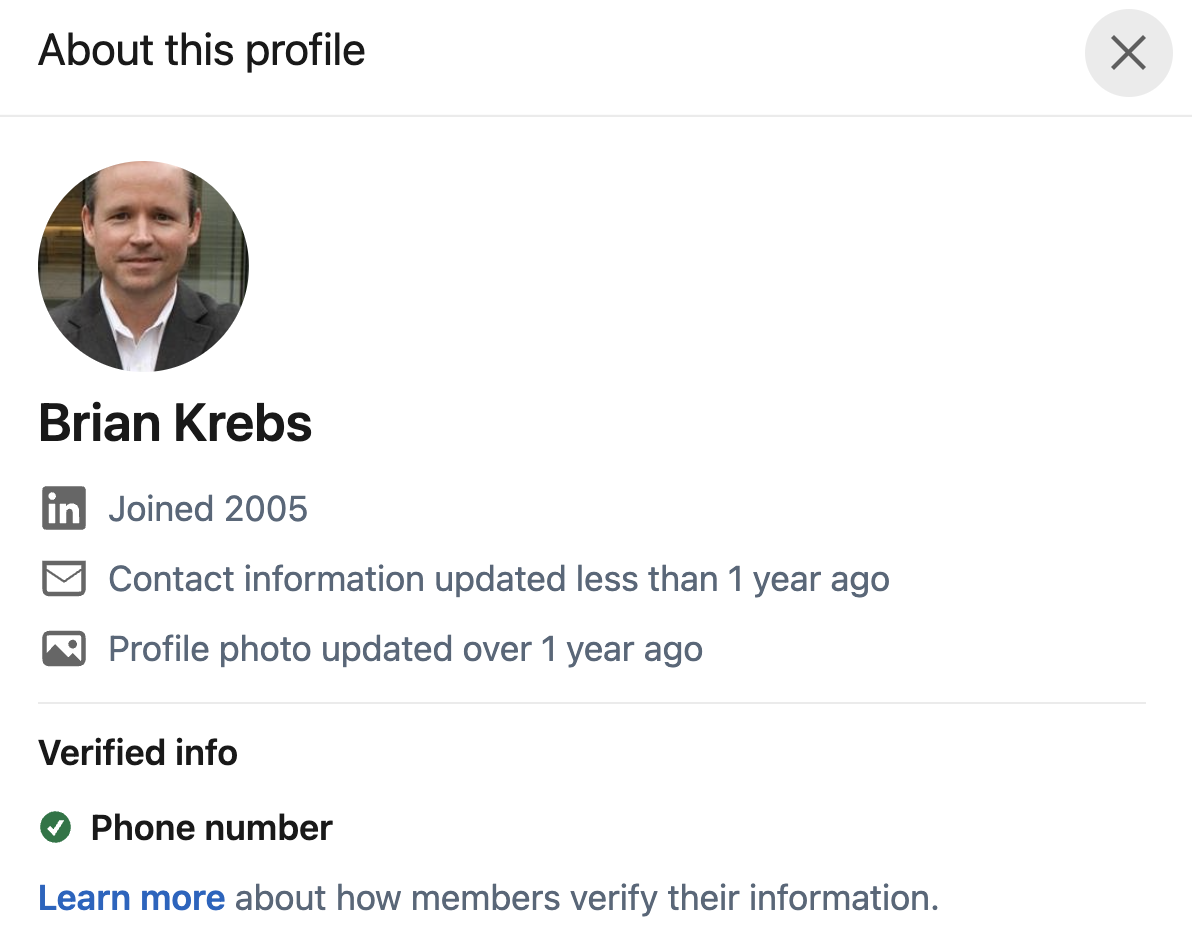
Credit to Author: BrianKrebs| Date: Fri, 04 Nov 2022 21:09:52 +0000
For whatever reason, the majority of the phony LinkedIn profiles reviewed by this author have involved young women with profile photos that appear to be generated by artificial intelligence (AI) tools. We’re seeing rapid advances in AI-based synthetic image generation technology and we’ve created a deep learning model to better catch profiles made with this technology. AI-based image generators can create an unlimited number of unique, high-quality profile photos that do not correspond to real people. Fake accounts sometimes use these convincing, AI-generated profile photos to make their fake LinkedIn profile appear more authentic.
Credit to Author: Gabor Szappanos| Date: Thu, 03 Nov 2022 12:03:13 +0000
A threat actor’s repeated use of DLL-hijack execution flow makes for interesting attack results, including omnivorous file ingestion; we break down five cases and find commonalities
Credit to Author: Emma Jones| Date: Fri, 04 Nov 2022 16:00:00 +0000
We are honored to announce that Microsoft has been named a Leader in the 2022 Gartner® Magic Quadrant™ for Access Management for Microsoft Azure Active Directory (Azure AD), part of Microsoft Entra.