ComputerWorld

ComputerWorldIndependent

Microsoft repairs buggy Win7 security patch with buggy hotfix KB 4039884

Credit to Author: Woody Leonhard| Date: Mon, 28 Aug 2017 05:57:00 -0700

Two weeks ago, I talked about a bug in Windows 7’s August Monthly patch rollup KB 4034664 that left many people who have two monitors reeling. After installing the security patch, the first monitor would work properly, but the second monitor could have all sorts of rendering problems.

Günter Born had a full writeup about the problem, and Christian Schwarz not only nailed the problem, but he wrote a “proof of concept” program demonstrating what was happening and when.

To read this article in full or to leave a comment, please click here
Read More
ComputerWorldIndependent

'You' is the new 'Not-you'

Credit to Author: Sharky| Date: Mon, 28 Aug 2017 03:00:00 -0700

This medical practice rolls out a new system, and when it’s done everyone has the same randomly generated temporary password, reports a pilot fish on the scene.

“I sent an email to all staff, reminding them to change their password from the temporary one that was assigned by the vendor,” fish says. “I included simple, step-by-step instructions — and I ended my email with ‘Do it now, before you forget.’

“Knowing that some wouldn’t do it, I sent a follow-up a few days later, with the following modifications:

Subject: Change Your Password — YES, this means you

If you have already changed your password, thank you. You may close this now.

To read this article in full or to leave a comment, please click here

Read More
ComputerWorldIndependent

The paranoid Windows traveler’s data-protection checklist

Credit to Author: Richard Hoffman| Date: Wed, 23 Aug 2017 03:11:00 -0700

It used to be that the most intrusive experience business travelers faced at airport security was a possible pat-down, or a customs check of luggage. These days, border control agents are searching passengers’ phones, tablets and laptops for … well, anything they want to see. Your complying with the request grants them access to documents, emails, passwords, contacts and social media account information. So travelers carrying confidential or privileged corporate information (in addition to the merely personal) need to take steps ahead of time to ensure that private data stays private. 

The laws around data privacy at checkpoints are murky, and border control officers in the U.S. and elsewhere have been making full use of the allowable gray areas, asking travelers to turn over email logins and social media passwords, searching devices and making forensic copies of data. If this concerns you and your company, these tips could prove useful. While legal issues vary by country, most of these suggestions will provide a measure of data security in a variety of situations.

To read this article in full or to leave a comment, please click here

Read More
ComputerWorldIndependent

Is mobile killing the LAN?

Credit to Author: Evan Schuman| Date: Tue, 22 Aug 2017 05:11:00 -0700

I was talking with an industry CEO the other day and he offered an intriguing thought. He said that the LAN is dead — along with its associated routers and hubs and other network hardware — and that mobile has killed it. But the LAN isn’t dead, I resisted, noting that there are LANs within just about every corporate campus in the country.

And yet his argument can’t be dismissed. All of the data and security assumptions that existed when LANs came into being have gone away, courtesy of cloud and mobile. Still, I insisted, that’s an argument for why LANs should be dead, not that they are.

Let’s explore this a bit more. The CEO I was chatting with is Steven Sprague, from a cybersecurity vendor called Rivetz.

To read this article in full or to leave a comment, please click here

Read More
ComputerWorldIndependent

NIST: In mobile authentication, think hardware, not software

Credit to Author: Evan Schuman| Date: Mon, 21 Aug 2017 03:00:00 -0700

Retail is in an awkward in-between stage when it comes to online security. In shifting their purchasing to online options, shoppers are using both desktop computers and mobile devices. Had they moved straight to mobile, authentication options would be numerous, including selfies and other biometric authentication such as fingerprints.

But the National Institute of Standards and Technology’s National Cybersecurity Center of Excellence (NCCoE) is trying to bolster security and authentication on desktops and mobile devices. It was spurred to tackle its Multifactor Authentication for e-Commerce project because of the realization that increased security in the physical world (with such steps as cards with EMV chips) means that thieves are going to start to focus more on card-not-present transactions.

To read this article in full or to leave a comment, please click here
Read More
ComputerWorldIndependent

22% off Aukey Dash Cam, Full HD Wide Angle With Night Vision – Deal Alert

Credit to Author: DealPost Team| Date: Thu, 03 Aug 2017 06:54:00 -0700

This 1080p Dash Camera captures video or stills, and is equipped with a motion detector and continuous loop recording. An emergency recording mode can be activated by sharp turns or sudden stops, and automatically captures unexpected driving incidents. The Dash Camera can also record whenever it sees motion in front or create a time-lapse video of your trip. Features Full HD 1080P, 170° Wide Angle Lens, 2“ LCD and Night Vision. Its typical list price has been reduced 22% to just $69.99. See this deal on Amazon.

To read this article in full or to leave a comment, please click here
Read More
ComputerWorldIndependent

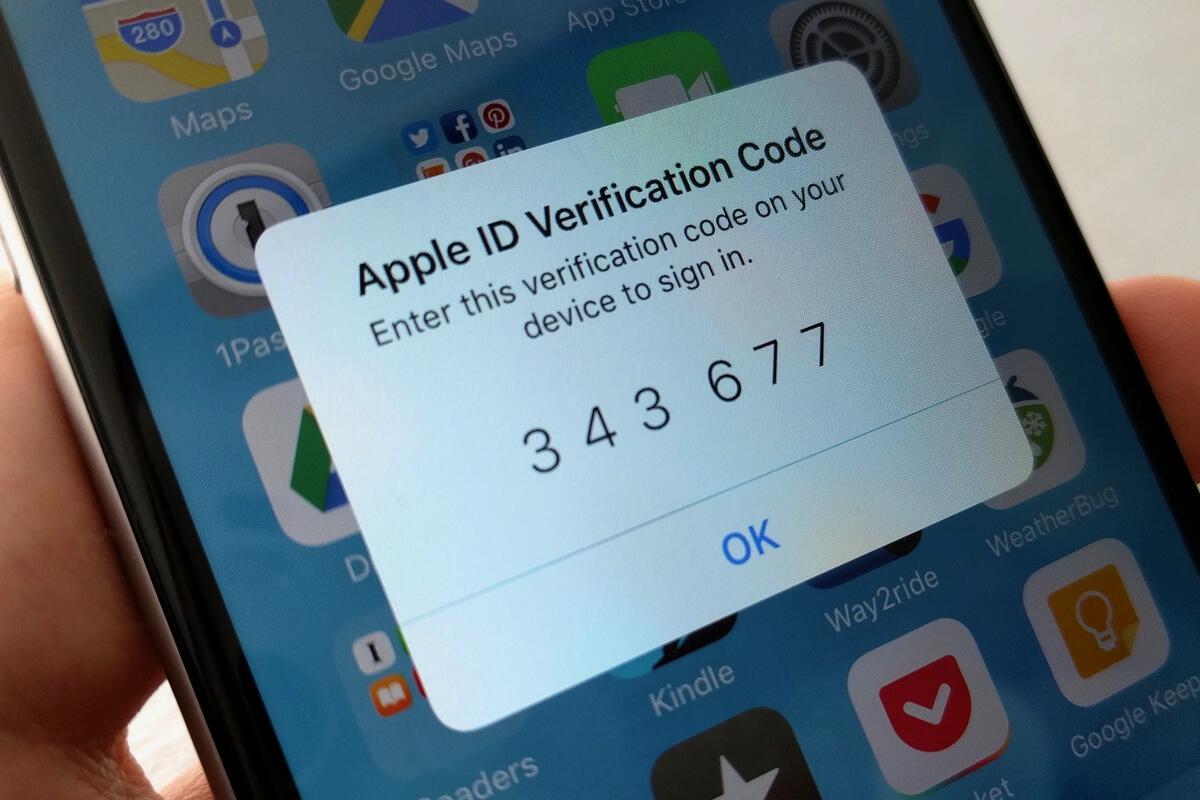
iCloud security: How (and why) to enable two-factor authentication

Credit to Author: Michael deAgonia| Date: Fri, 18 Aug 2017 03:11:00 -0700

Given that so many of the details of our digital lives are either with us (on our smartphones) or easily accessible (via the web), you should be doing everything you can to protect that information and data. On iPhones and iPads, data is largely kept in a vault, sealed behind strong encryption and (hopefully) a strong password. Even if the device is lost or stolen, chances are good that encryption will keep data safe. (That vault is secure enough to frustrate even the FBI.)

Although iOS devices are designed and built to be secure, data is also stored and accessible online. With security breaches occurring routinely, your data is vulnerable to anyone in the world with an internet connection and a halfway decent browser. If a breach occurs and thieves gain access to your email and password, they can easily reset any account linked to that email, change the password, and lock you out of your own data.

To read this article in full or to leave a comment, please click here

Read More
ComputerWorldIndependent

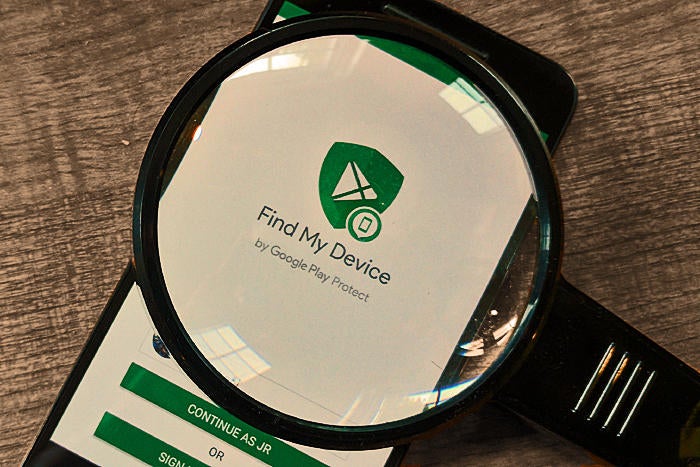
Find My Device: How Android's security service can manage your missing phone

Credit to Author: JR Raphael| Date: Thu, 17 Aug 2017 09:27:00 -0700

Losing your phone is one of the most stressful predicaments of modern-day life. We’ve all been there: You pat your pocket, swiftly scan every surface in sight — then suddenly feel your heart drop at the realization that your Android device and all of its contents are no longer in your control.

There’s certainly no scenario in which losing your phone is a good thing. But with the advanced security tools now built into Android on the operating system level, finding and managing a missing device is often — well, quite manageable. And you don’t need any third-party software to do it.

Android’s native Find My Device system can precisely pinpoint any Android device — phone, tablet, even Android TV box (if you somehow manage to misplace one of those?!). It’ll show you the device’s exact location on an interactive map and give you tools to remotely ring it, lock it or wipe it entirely and send all of its data to the digital beyond.

To read this article in full or to leave a comment, please click here

Read More