Independent

ComputerWorldIndependent

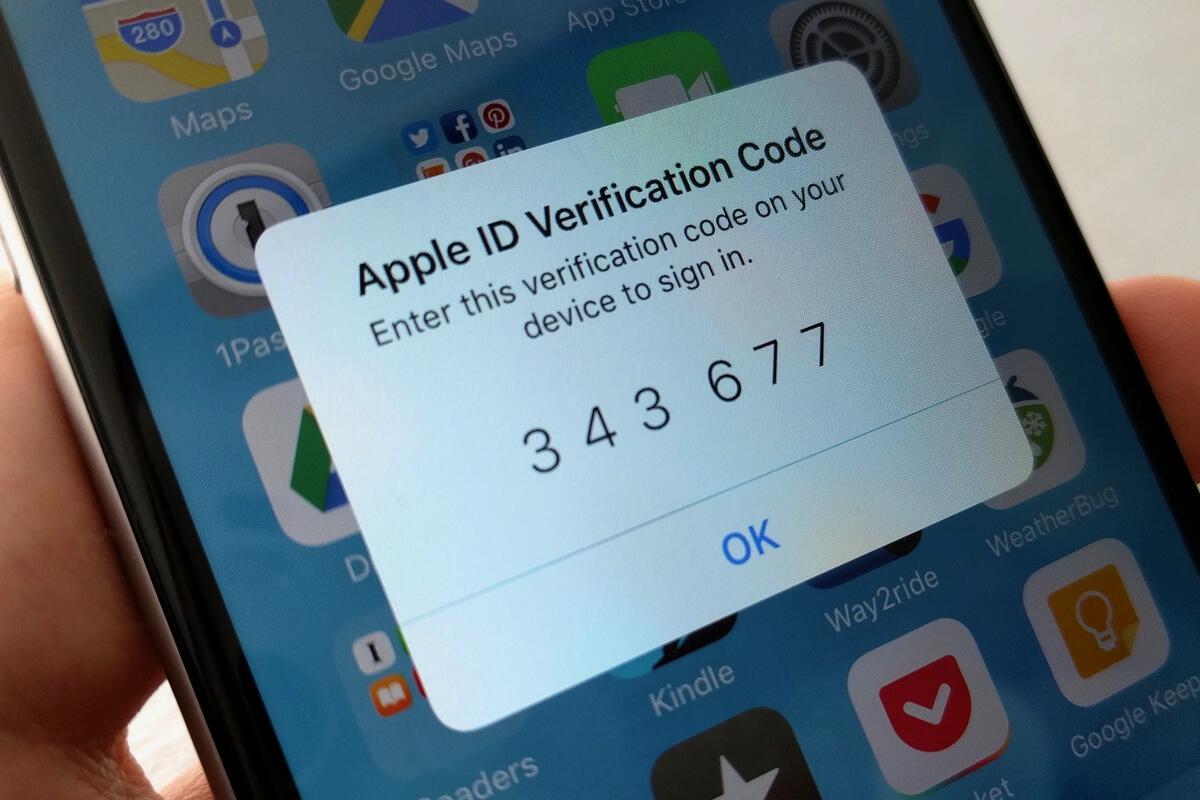
iCloud security: How (and why) to enable two-factor authentication
Credit to Author: Michael deAgonia| Date: Fri, 18 Aug 2017 03:11:00 -0700

Given that so many of the details of our digital lives are either with us (on our smartphones) or easily accessible (via the web), you should be doing everything you can to protect that information and data. On iPhones and iPads, data is largely kept in a vault, sealed behind strong encryption and (hopefully) a strong password. Even if the device is lost or stolen, chances are good that encryption will keep data safe. (That vault is secure enough to frustrate even the FBI.)

Although iOS devices are designed and built to be secure, data is also stored and accessible online. With security breaches occurring routinely, your data is vulnerable to anyone in the world with an internet connection and a halfway decent browser. If a breach occurs and thieves gain access to your email and password, they can easily reset any account linked to that email, change the password, and lock you out of your own data.

To read this article in full or to leave a comment, please click here

Read More
IndependentKrebs

Blowing the Whistle on Bad Attribution

Credit to Author: BrianKrebs| Date: Fri, 18 Aug 2017 04:29:51 +0000

The New York Times this week published a fascinating story about a young programmer in Ukraine who’d turned himself in to the local police. The Times says the man did so after one of his software tools was identified by the U.S. government as part of the arsenal used by Russian hackers suspected of hacking into the Democratic National Committee (DNC) last year. It’s a good read, as long as you can ignore that the premise of the piece is completely wrong.

Read More
ComputerWorldIndependent

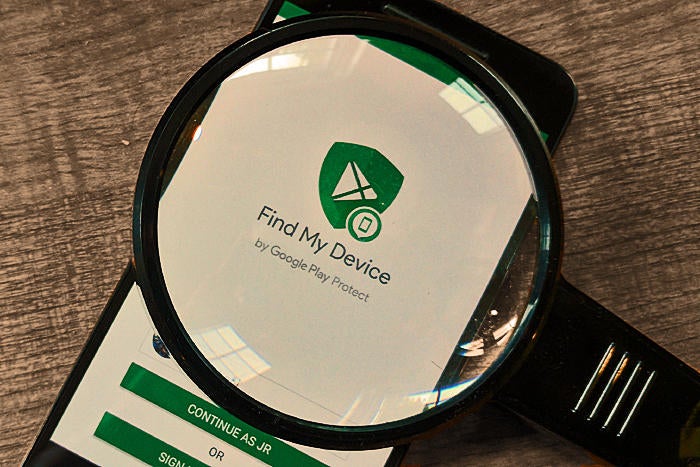
Find My Device: How Android's security service can manage your missing phone

Credit to Author: JR Raphael| Date: Thu, 17 Aug 2017 09:27:00 -0700

Losing your phone is one of the most stressful predicaments of modern-day life. We’ve all been there: You pat your pocket, swiftly scan every surface in sight — then suddenly feel your heart drop at the realization that your Android device and all of its contents are no longer in your control.

There’s certainly no scenario in which losing your phone is a good thing. But with the advanced security tools now built into Android on the operating system level, finding and managing a missing device is often — well, quite manageable. And you don’t need any third-party software to do it.

Android’s native Find My Device system can precisely pinpoint any Android device — phone, tablet, even Android TV box (if you somehow manage to misplace one of those?!). It’ll show you the device’s exact location on an interactive map and give you tools to remotely ring it, lock it or wipe it entirely and send all of its data to the digital beyond.

To read this article in full or to leave a comment, please click here

Read More